Fanvil V67 Flagship Smart Video Phone: The 2026 Desk Upgrade Guide
Hybrid work has made the humble desk phone smart again. In 2026, the Fanvil V67 Flagship Smart Video Phone sits at the top of that shift, blending a large touch display, HD video, and open-standard SIP calling into one device. If your team juggles voice calls, quick video huddles, and desktop apps all day, a true flagship endpoint pays for itself fast. This guide explains what the V67 does well, how to judge a smart video phone, and where it fits in a modern Pakistani office.
We have deployed and tested hundreds of SIP endpoints across call centres, clinics, and corporate front desks. The patterns are consistent: audio quality, provisioning speed, and day-to-day usability decide whether staff actually pick up the handset or drift back to mobile apps. A flagship device earns its price only when it removes friction.
Why the Fanvil V67 Flagship Smart Video Phone stands out
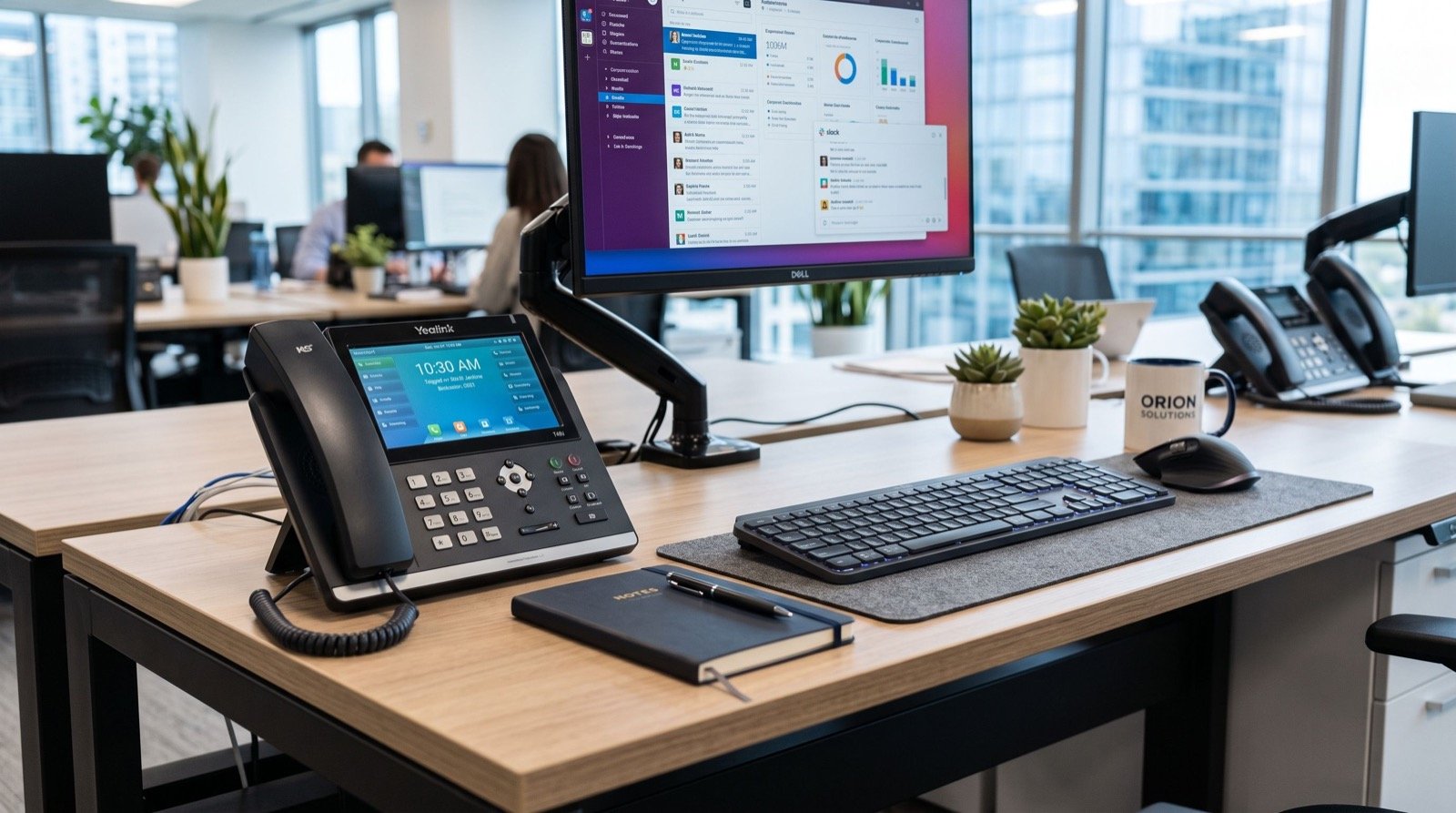
The V67 targets executives, receptionists, and anyone who lives on calls. Its headline feature is the colour touchscreen paired with a tilting camera for face-to-face conversations without opening a laptop. For busy desks, that one change shortens the path from “let me jump on a quick call” to actually being on the call.
Beyond the screen, the device leans on open SIP standards, so it works with most IP-PBX and cloud platforms rather than locking you into a single vendor. That interoperability is the quiet reason flagship phones last through several platform migrations.
- Large capacitive touchscreen for dialling, transfers, and directory search.
- Integrated HD camera with privacy shutter for point-to-point video.
- Wideband HD audio and full-duplex speakerphone for clear hands-free calls.
- Gigabit Ethernet with PoE so one cable carries data and power.
- Programmable keys and BLF to monitor busy colleagues at a glance.
What should you look for in a smart video phone?
Not every “video phone” deserves a flagship label. Use this short checklist when you compare models, whether you are buying one unit for the CEO or fifty for a floor.
- Codec support: Opus and G.722 for voice; H.264 for video keep bandwidth sane.
- Provisioning: auto-provisioning over HTTPS saves hours when you scale.
- Security: SIP over TLS and SRTP encrypt signalling and media.
- Expandability: support for expansion modules if reception handles many lines.
- Ecosystem: a vendor with a full catalogue so accessories match.
The underlying protocol here is SIP, defined in IETF RFC 3261. Choosing standards-based hardware means your investment survives platform changes, and it keeps you free to pick any compliant provider in Pakistan.
Spec snapshot: flagship vs. mid-range desk phone
| Feature | Flagship smart video phone | Typical mid-range IP phone |
|---|---|---|
| Display | Large colour touchscreen | Small colour or mono LCD |
| Video | Built-in HD camera | None |
| Audio | Wideband HD, full-duplex | HD voice, basic speaker |
| Connectivity | Gigabit + PoE + Wi-Fi/BT options | 10/100 or Gigabit |
| Best for | Executives, reception, hybrid teams | General staff desks |
Deploying the V67 in a Pakistani office
Rollout is where good hardware either shines or stalls. Start by confirming your switch delivers enough PoE budget across the floor; flagship phones with bright screens draw more than entry models. Next, set up auto-provisioning so each handset pulls its config, extension, and firmware automatically. That turns a fifty-desk deployment from a week of manual typing into an afternoon.
Place reception and executive units first. These are the desks where a smart video phone changes the daily experience most, and they build internal demand for the rest of the fleet. For broader rollouts, lean on an experienced local team who can map extensions, test call flows, and label cabling before go-live.
Pakistan’s telecom rules also matter. The Pakistan Telecommunication Authority governs licensed voice services, so align your dial-plan and any PSTN breakout with a licensed operator. Standards-based endpoints like the V67 make that compliance straightforward.
Practical tip from the field
Before mass deployment, build one “golden” configuration profile and clone it. Set ringtone volume, time zone, DND behaviour, and the BLF layout once, then push it to every phone. Staff get a consistent experience, and support tickets drop sharply in the first month.
Where the V67 fits in the wider Fanvil range
The flagship is one tier of a broad catalogue. Entry desk phones cover general staff, DECT and Wi-Fi handsets cover roaming workers, and door phones extend the same SIP backbone to entrances. Buying within one family keeps firmware, provisioning, and accessories consistent. If you are standardising across branches, browse the full lineup of Fanvil IP Phones in Pakistan to match each role to the right device.
Total cost of ownership over three years
A flagship phone carries a higher sticker price, so judge it by total cost of ownership, not the shelf tag. Over a typical three-year life, the numbers favour a well-chosen smart video phone for the right desks.
First, open SIP support means the device survives at least one platform migration, saving a full hardware refresh. Second, PoE removes the cost of individual power adapters and simplifies cabling. Third, auto-provisioning cuts the labour of every move, add, and change to a few clicks instead of a site visit.
There is a softer return too. When reception and executives enjoy using their phones, more conversations happen on a managed, recordable, professional system rather than on personal mobiles. That improves record-keeping, training, and continuity when staff change roles. For a handful of high-traffic desks, the flagship almost always wins the three-year comparison once these factors are added up rather than judged on purchase price alone.
Frequently Asked Questions
Is the Fanvil V67 compatible with cloud PBX platforms?
Yes. Because it uses open SIP, the V67 registers with most on-premise and cloud PBX platforms. Confirm the specific provisioning method your provider supports, then auto-configure for the fastest, most reliable setup.
Do I need special cabling for a smart video phone?
Standard Cat5e or Cat6 Ethernet is enough. A PoE switch powers the phone over the same cable, so you avoid separate adapters. Verify your switch has adequate PoE budget when adding bright-screen flagship units.
How much bandwidth does HD video calling use?
Point-to-point HD video typically uses a few hundred kbps up to around 1-2 Mbps per stream depending on resolution. On a healthy office connection with QoS, a handful of concurrent video calls runs smoothly.
Can one vendor cover phones, DECT, and door entry?
Yes, and it is the smarter path. A single catalogue keeps firmware and provisioning uniform across desk phones, cordless handsets, and SIP door phones, which simplifies long-term support.
The bottom line
A flagship endpoint is only worth it when it removes daily friction and lasts through platform changes. The Fanvil V67 Flagship Smart Video Phone does both: a touchscreen and camera make calls effortless, while open SIP keeps you vendor-independent for years. Pair it with proper PoE, clean provisioning, and a knowledgeable installer, and you get a desk that staff actually enjoy using. For reception, executives, and hybrid teams in 2026, it is one of the clearest communication upgrades you can make.